+6012-9029878Free Shipping above Rm300 n4camerastore@n42u.com.my
Search




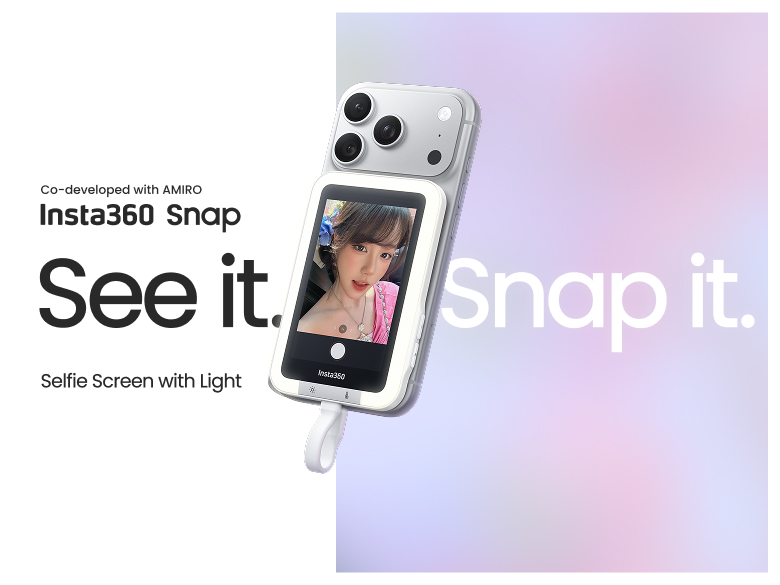
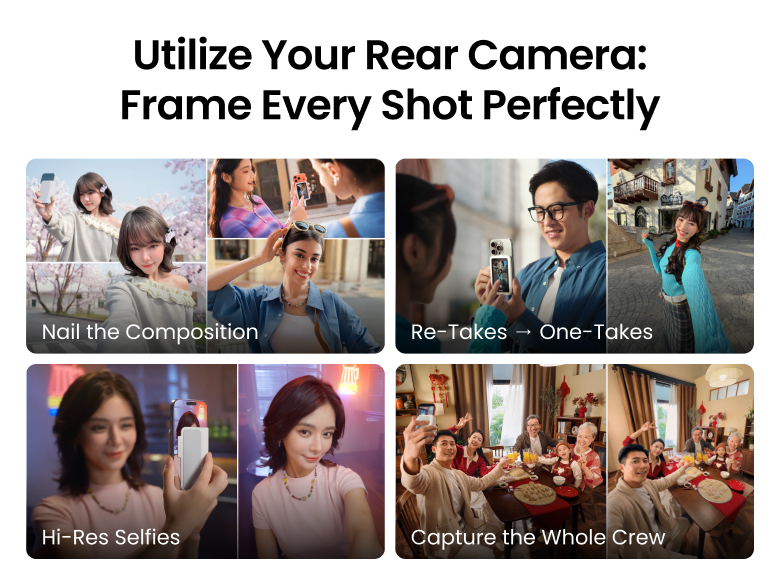
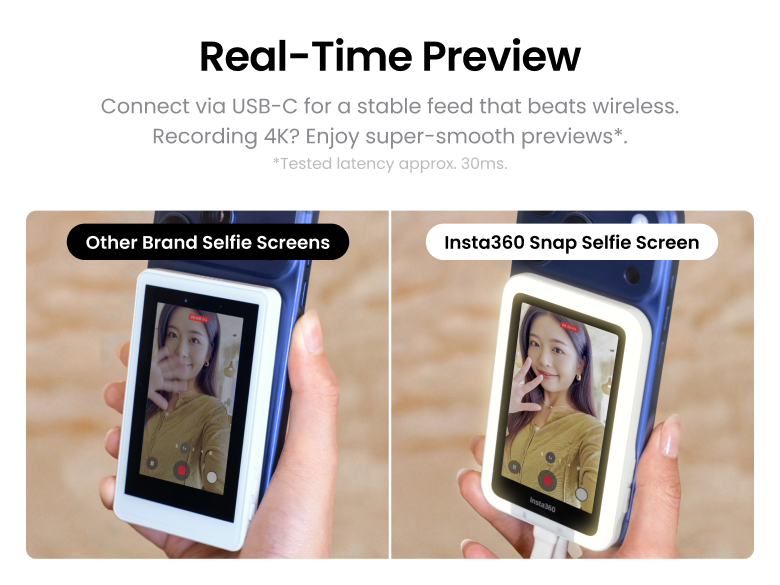
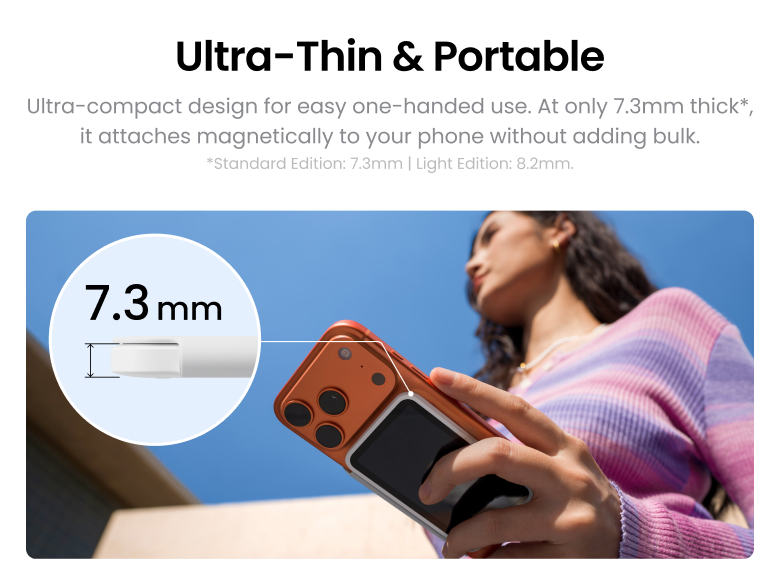
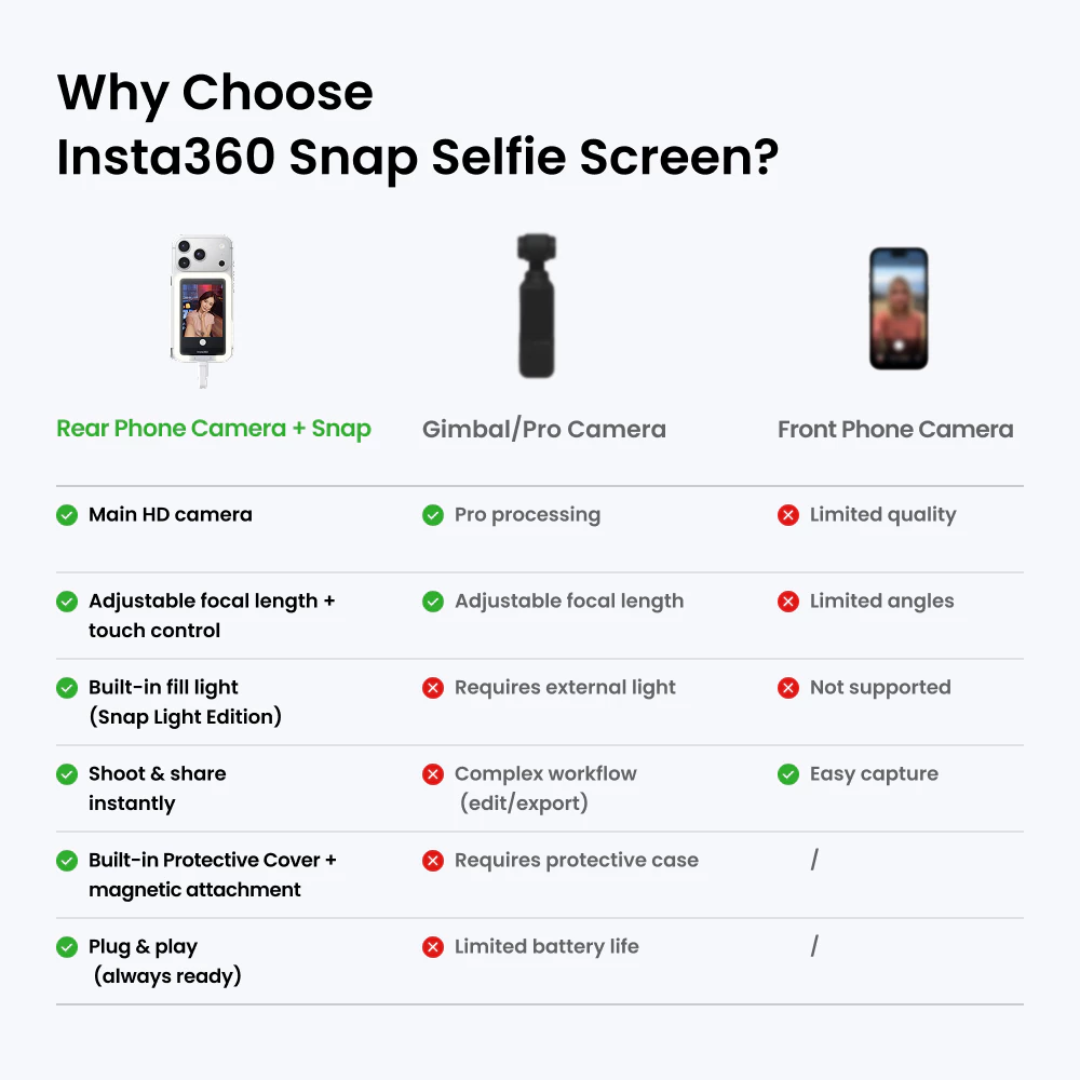
Preview your shots in real time while using your phone's superior rear camera.
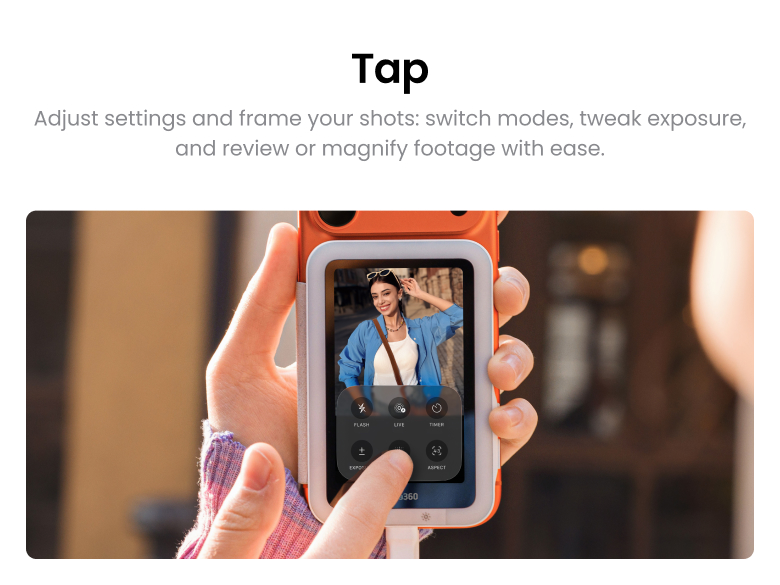
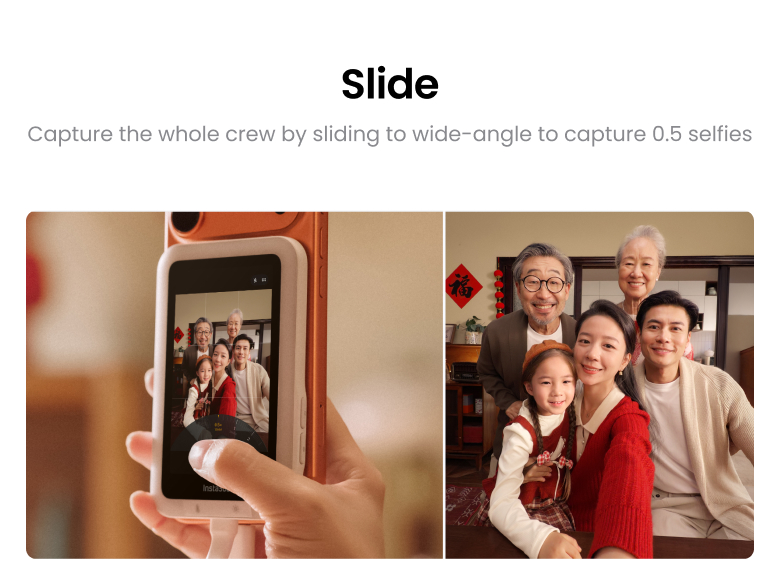
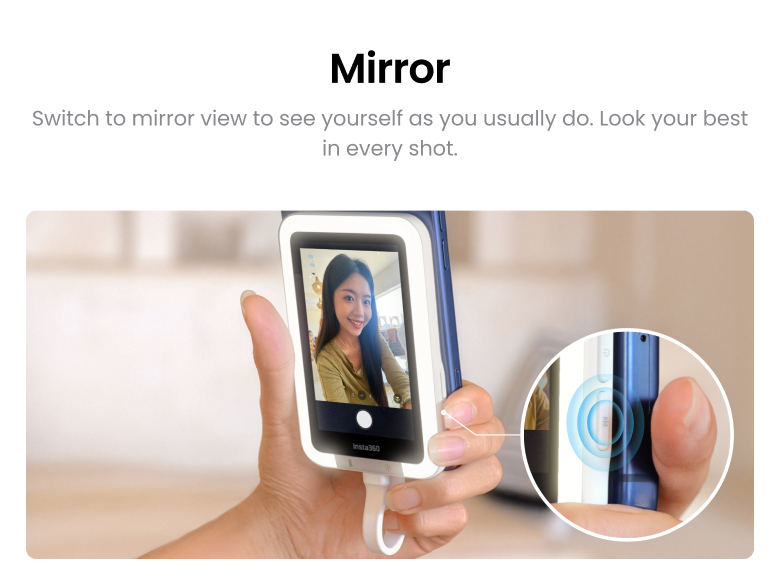
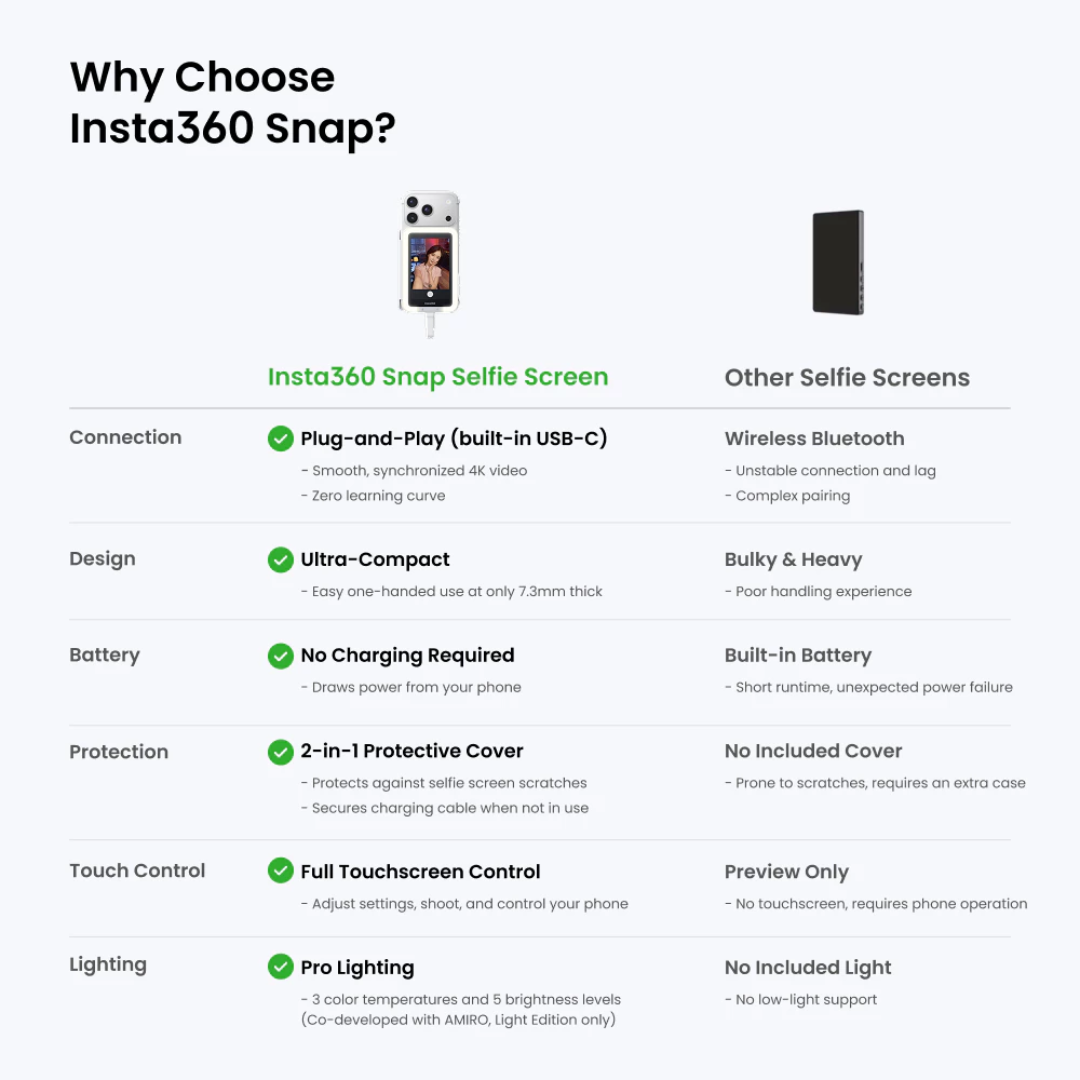
The 3.5-inch high-res touchscreen gives you total control of your phone with screen mirroring to frame your shots perfectly every time.
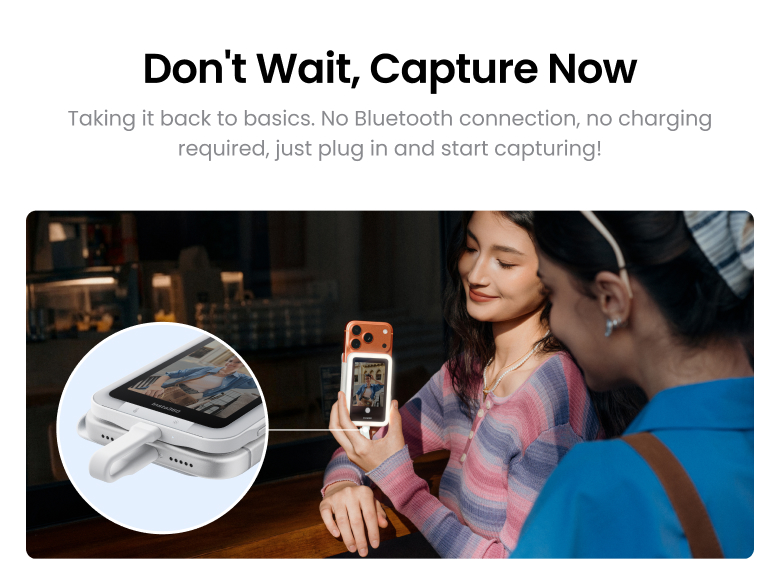
Plug in and play, no charging required. Shoot in 4K with instant preview for a true "what you see is what you get" experience.
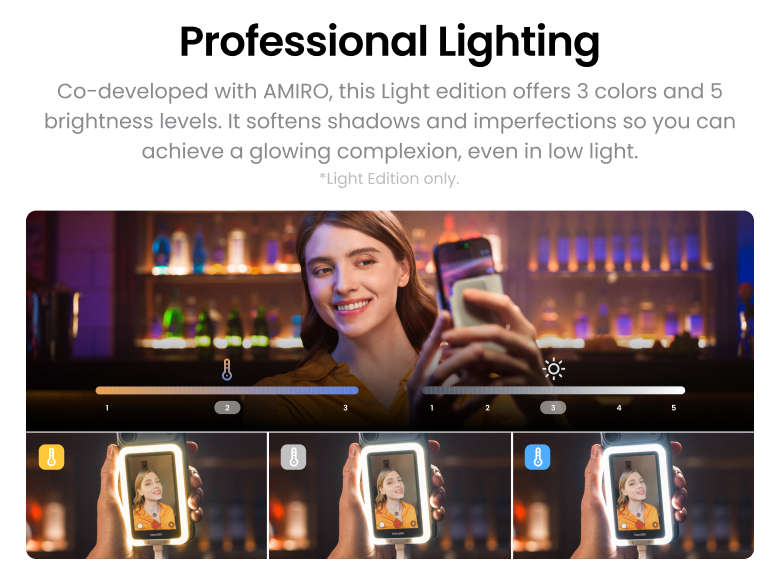
(Light edition) Co-developed with beauty-tech experts AMIRO, it offers 3 colors and 5 brightness levels for a glowing complexion, even in low light.
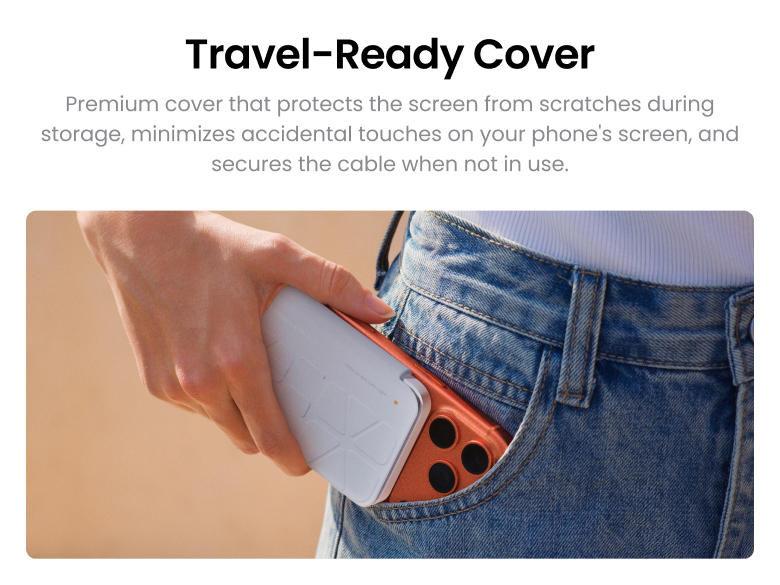
Premium cover that protects the screen from scratches during storage and also secures the cable when not in use.
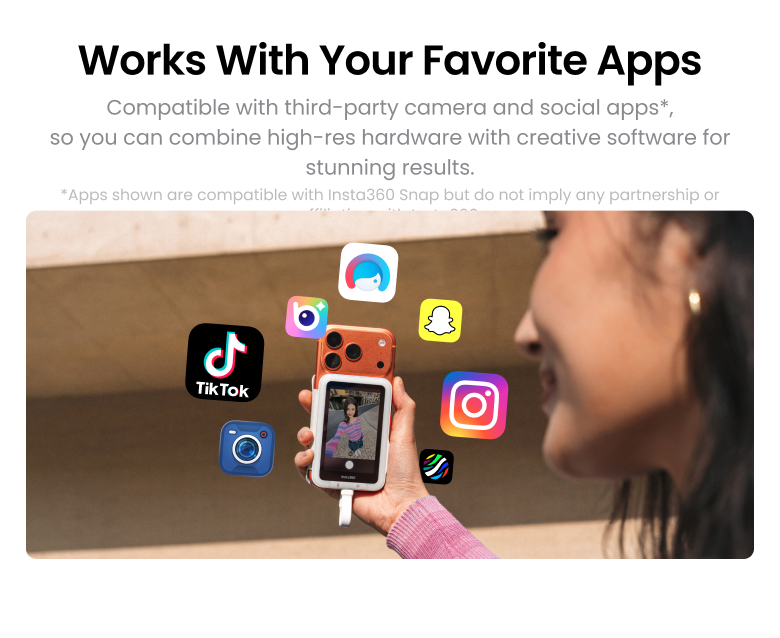
Works seamlessly with your favorite third-party camera apps for flexible shooting and editing.
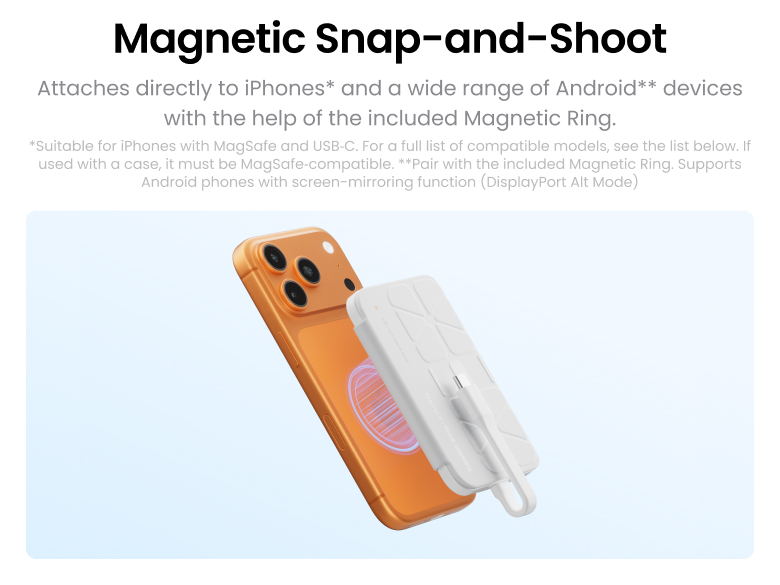
Designed for both iPhone and Android phones with a USB-C connection. Please refer to the compatibility list below for supported models.
In the Box:
1x Selfie Screen
1x QuickStart Guide
1x Magnetic Ring
1x Instructions for Use
Before Use
Non-iPhone users
1. Install Magnetic Ring (If your phone does not support MagSafe and does not have a magnetic case)
Stick the magnetic ring (use the magnetic surface not the adhesive surface) to the back of the selfie screen.
Remove the backing paper from the adhesive side.
Stick the ring and selfie screen to your phone or case, then remove the selfie screen.
Notes:
It is recommended to stick the magnetic ring on the phone case.
Do not repeatedly reposition the ring, as this weakens the adhesive.
Preview your shots in real time while using your phone's superior rear camera.
The 3.5-inch high-res touchscreen gives you total control of your phone with screen mirroring to frame your shots perfectly every time.
Plug in and play, no charging required. Shoot in 4K with instant preview for a true "what you see is what you get" experience.
(Light edition) Co-developed with beauty-tech experts AMIRO, it offers 3 colors and 5 brightness levels for a glowing complexion, even in low light.
Premium cover that protects the screen from scratches during storage and also secures the cable when not in use.
Works seamlessly with your favorite third-party camera apps for flexible shooting and editing.
Designed for both iPhone and Android phones with a USB-C connection. Please refer to the compatibility list below for supported models.
In the Box:
1x Selfie Screen
1x QuickStart Guide
1x Magnetic Ring
1x Instructions for Use
Before Use
Non-iPhone users
1. Install Magnetic Ring (If your phone does not support MagSafe and does not have a magnetic case)
Stick the magnetic ring (use the magnetic surface not the adhesive surface) to the back of the selfie screen.
Remove the backing paper from the adhesive side.
Stick the ring and selfie screen to your phone or case, then remove the selfie screen.
Notes:
It is recommended to stick the magnetic ring on the phone case.
Do not repeatedly reposition the ring, as this weakens the adhesive.